
The Setup Wizard helps you configure the essential settings required to start using Eventixa. It guides you through the initial setup and ensures your event website is ready for visitors.
Launch the Setup Wizard
After activating Eventixa, the Setup Wizard will open automatically. If you skipped it, you can launch it later from Eventixa → Setup Guide.
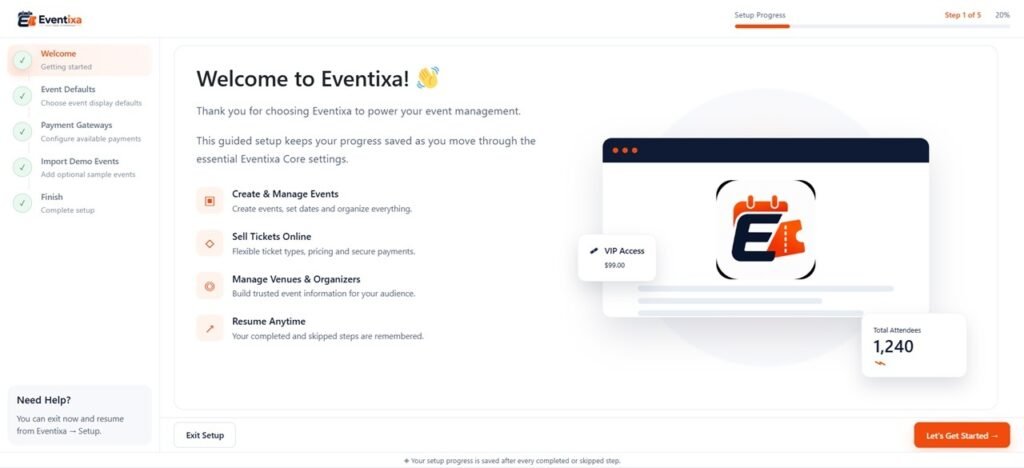
What the Setup Wizard Configures
During the setup process, you can configure:
- Event pages
- Currency and regional settings
- Date and time format
- Email settings
- General event preferences
The wizard also creates the required Eventixa pages if they don’t already exist.
Finish Setup
Once you’ve reviewed the settings, click Finish Setup to save your configuration.
You can change any of these settings later at any time from Eventixa → Settings.
Tip: Completing the Setup Wizard before creating your first event ensures Eventixa works as expected and provides the best experience for your attendees.


