
Eventixa offers multiple event listing layouts, allowing visitors to browse events in the way that suits them best. Users can switch between Calendar, Grid, List, and Map views directly from the events page.
Note: The available views depend on eventixa settings. To change the view Navigate to:
Eventixa → Settings → Display
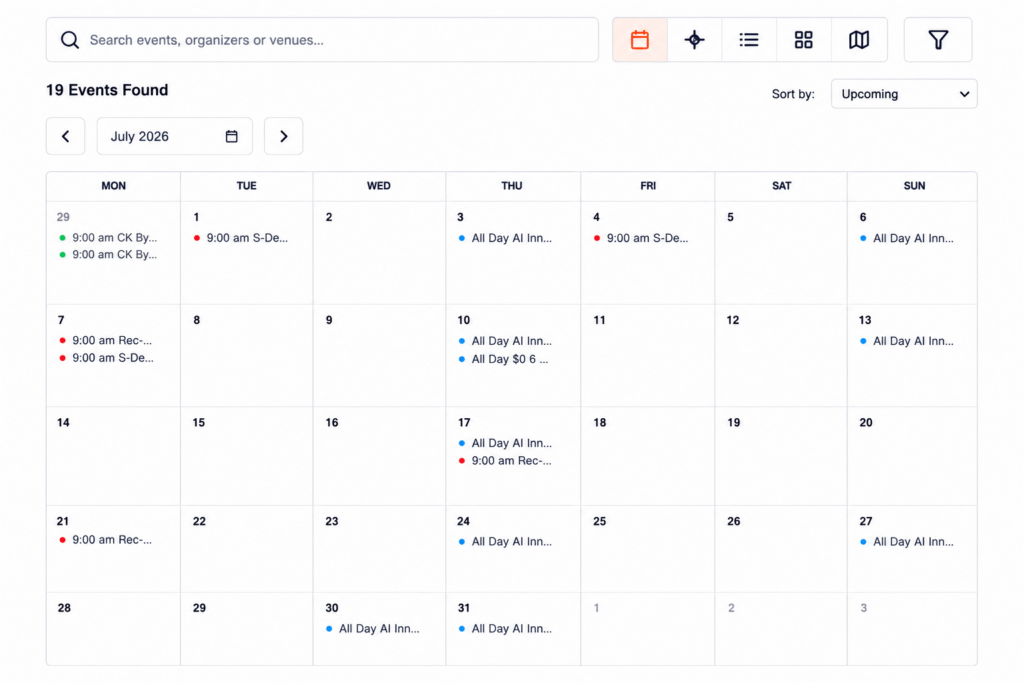
Calendar View
The Calendar View displays events in a monthly calendar, making it easy for visitors to find events by date.
This view is ideal for:
- Monthly event schedules
- Community events
- Conferences
- Workshops
- Festivals
Grid View
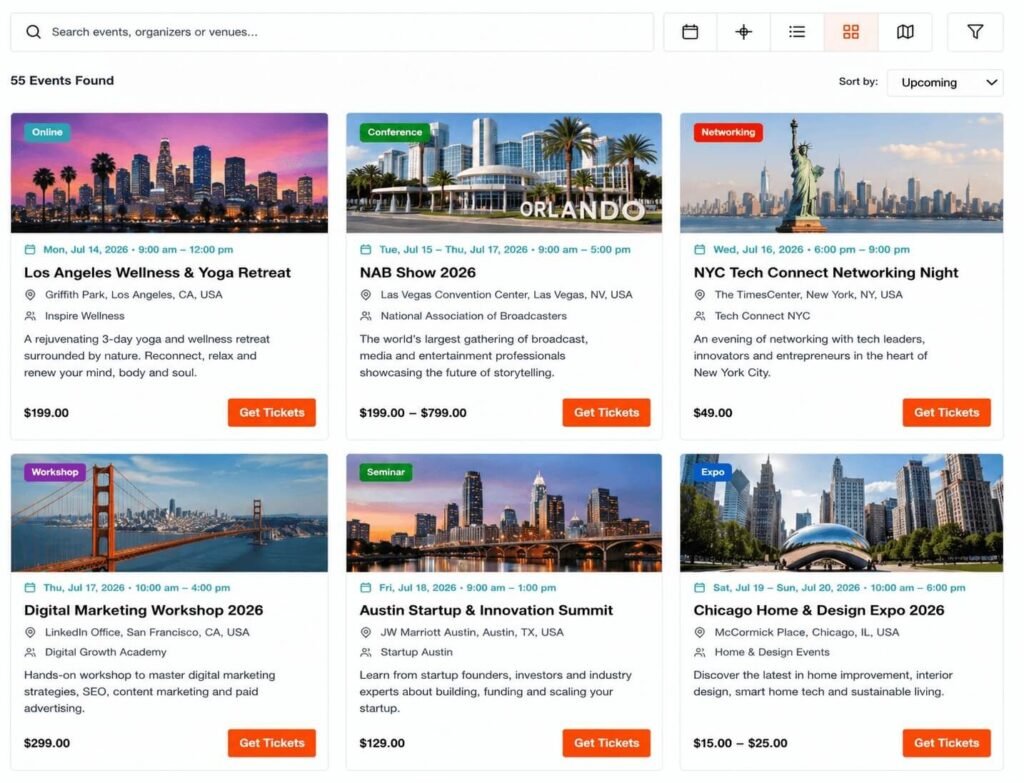
The Grid View presents events as visually appealing cards with featured images and key event information.
Each event card can display:
- Featured Image
- Event Title
- Date & Time
- Venue
- Ticket Price
- Event Categories
This layout is perfect for showcasing upcoming events.
List View
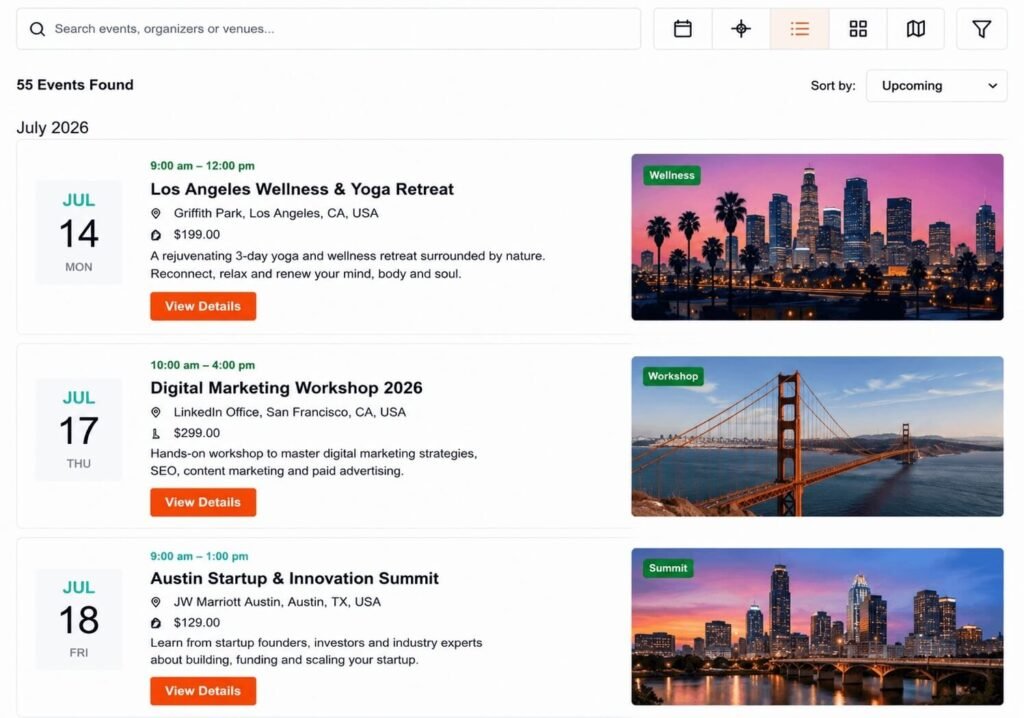
The List View displays events in a clean, vertical layout with more space for event details.
This view is useful when visitors want to quickly browse and compare multiple events.
Each listing may include:
- Event Image
- Event Title
- Date & Time
- Venue
- Short Description
- Ticket Information
Map View
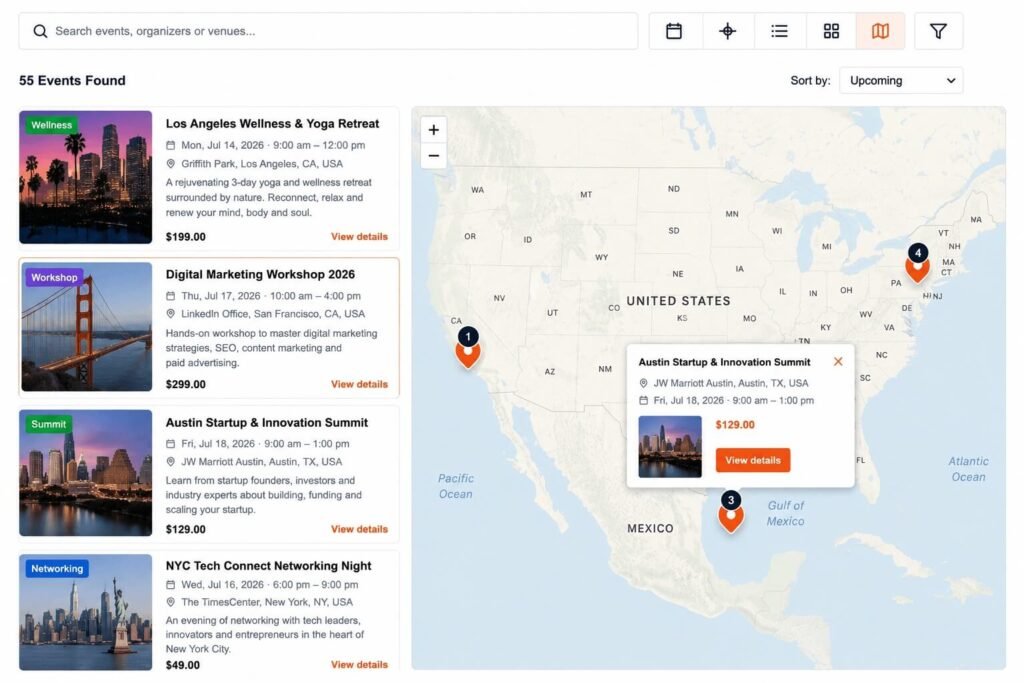
The Map View displays events based on their venue locations using an interactive map.
Visitors can:
- View event locations on the map
- Select nearby events
- Open event details directly from map markers
This view is especially useful for local events and conferences.
Switching Between Views
Visitors can switch between the available views using the View Switcher located on the events page.
Available options include:
- Calendar
- Grid
- List
- Map
The selected view updates instantly, making it easy to browse events in different layouts.
Tips
- Use Calendar View for date-based event browsing.
- Use Grid View to showcase events with large featured images.
- Use List View when displaying detailed event information.
- Use Map View for location-based event discovery.
- Ensure your events include accurate venue information to get the best experience in Map View.


